Laptop HDMI no signal on an external monitor
Laptop lid open or closed, external monitor shows HDMI no signal. Projection mode and the physical HDMI/USB-C path are the usual fixes.
Steps
-
Direct cable, no dongle
Connect HDMI (or USB-C DisplayPort Alt Mode) directly. Remove hubs for the first pass — see dock / USB-C if you must use one.
-
Win+P while the external is connected
Try Duplicate, Extend, and Second screen only. For lid-closed desk setups, Second screen only is often required.
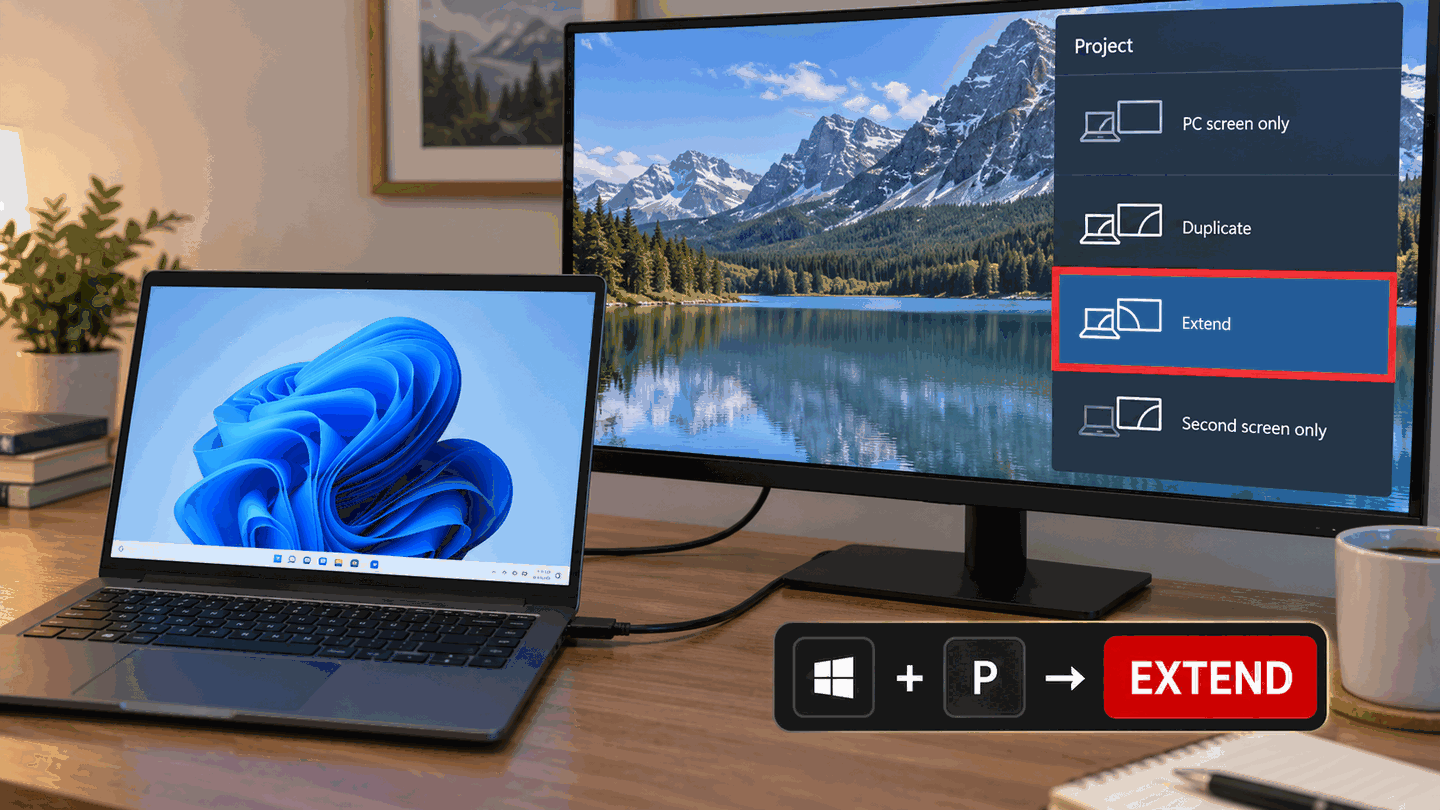
Cycle Win+P modes with the external monitor attached. -
Graphics driver reset
Win+Ctrl+Shift+B, then Detect in Display settings.
-
Advanced: discrete GPU HDMI on some gaming laptops
Some models wire HDMI to the dGPU. Ensure the dGPU is active in the vendor control panel and that Windows power settings are not disabling it. Prefer OEM instructions for your model.

What to do next
FAQ
HDMI worked yesterday on this laptop
Recheck Win+P (mode may have changed), cable, and any new dock. Then reset the graphics driver.
USB-C monitor only
Confirm the port supports DisplayPort Alt Mode. Charging-only ports will not drive a display — dock guide.
Official sources
- How to use multiple monitors in Windows
- Troubleshoot external monitor connections in Windows
- Fix connections to wireless displays or docks in Windows
Independent DIY troubleshooting. Prefer Microsoft and OEM support articles for model-specific steps. We do not sell one-click fix tools or host driver packs.