Reset the graphics driver when HDMI has no signal
A hung display driver can leave HDMI outputting no signal while the PC still runs. Microsoft documents a keyboard shortcut to reset the graphics driver, then Safe Mode steps if needed.
Steps
-
Reset the graphics driver
Win+Ctrl+Shift+B. If the image returns, update graphics drivers later via Windows Update or your OEM — do not download random “driver pack” sites.
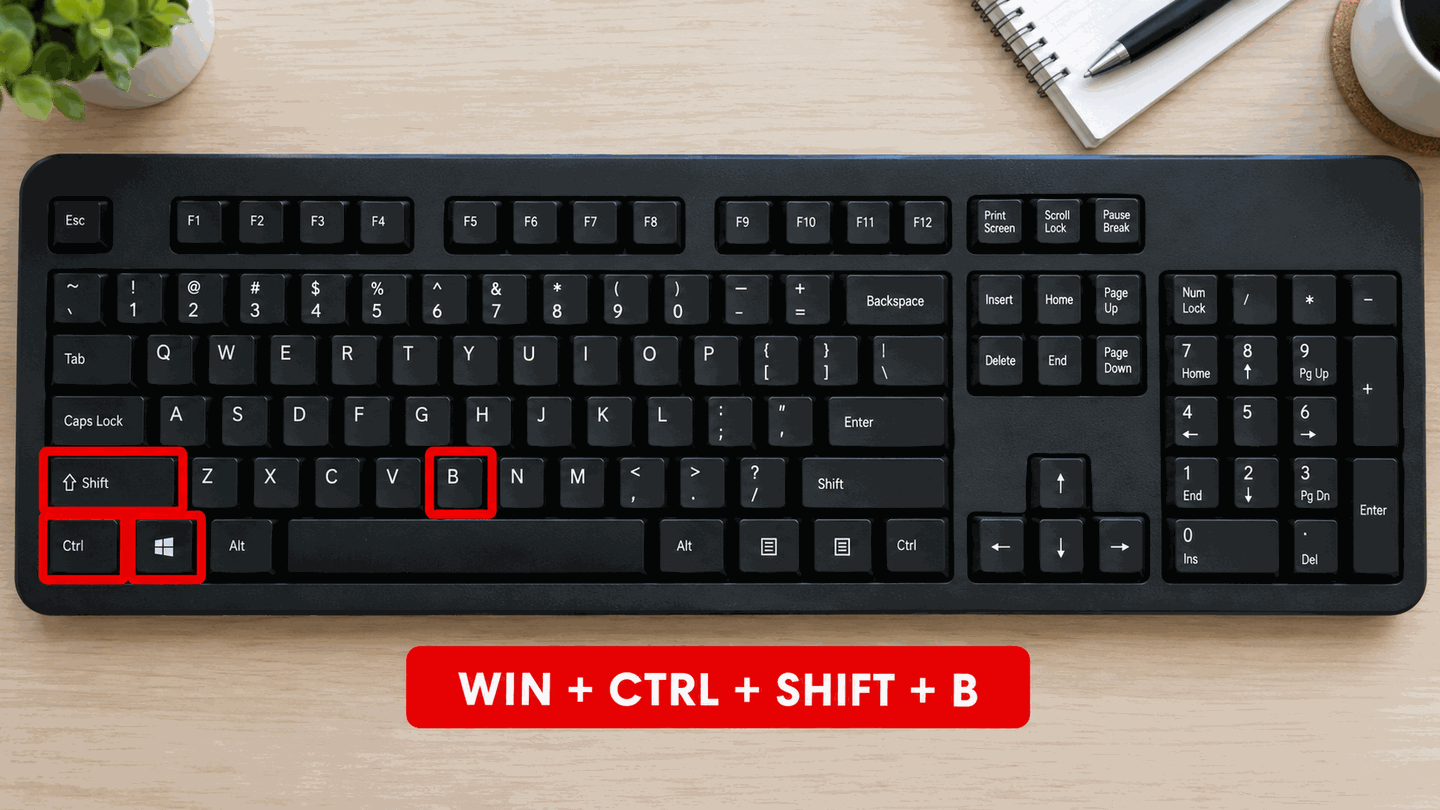
Win+Ctrl+Shift+B requests a graphics driver reset. -
Hard power-off if still dark
Hold the case power button ~10 seconds until the PC powers off. Unsaved work may be lost. Power on again and retest HDMI.
-
Enter Safe Mode to manage the display adapter
From a working screen: Settings → System → Recovery → Advanced startup → Restart now → Troubleshoot → Advanced options → Startup Settings → Restart. Press 5 or F5 for Safe Mode with Networking so Device Manager can download a driver. Press 4 or F4 only to roll back a driver already stored on the PC. Then open Device Manager → Display adapters → update or roll back. Use Windows Update or the PC/GPU maker, not a third-party driver pack. Microsoft’s blank-screen article uses F5 for this path.
-
If no screen works at all
Hold the power button for about 10 seconds. Power on, and hold the button again when the Windows logo appears. Repeat until Recovery opens — Microsoft’s blank-screen guidance says this usually takes two or three forced shutdowns. Choose Troubleshoot → Advanced options → Startup Settings → Restart, then 5 or F5. Also verify the GPU port and BIOS visibility.

What to do next
FAQ
Is Win+Ctrl+Shift+B safe?
It resets the graphics driver. You may hear a beep; it does not reinstall Windows.
Should I install drivers from third-party pack sites?
No. Use Windows Update or the GPU/PC maker’s support site only.
Official sources
- Troubleshoot external monitor connections in Windows — Win+Ctrl+Shift+B and driver rollback.
- Windows startup settings (Safe Mode)
- Troubleshooting blank screens in Windows
Independent DIY troubleshooting. Prefer Microsoft and OEM support articles for model-specific steps. We do not sell one-click fix tools or host driver packs.