DisplayPort no signal on a PC monitor
DisplayPort can show no signal from incomplete seating, handshake quirks, a DisplayPort version mismatch, or hub issues even when HDMI on the same PC works.
Steps
-
Reseat and swap the DP cable
Use a cable rated for your resolution/refresh. Try a second cable if HDMI works but DP does not.
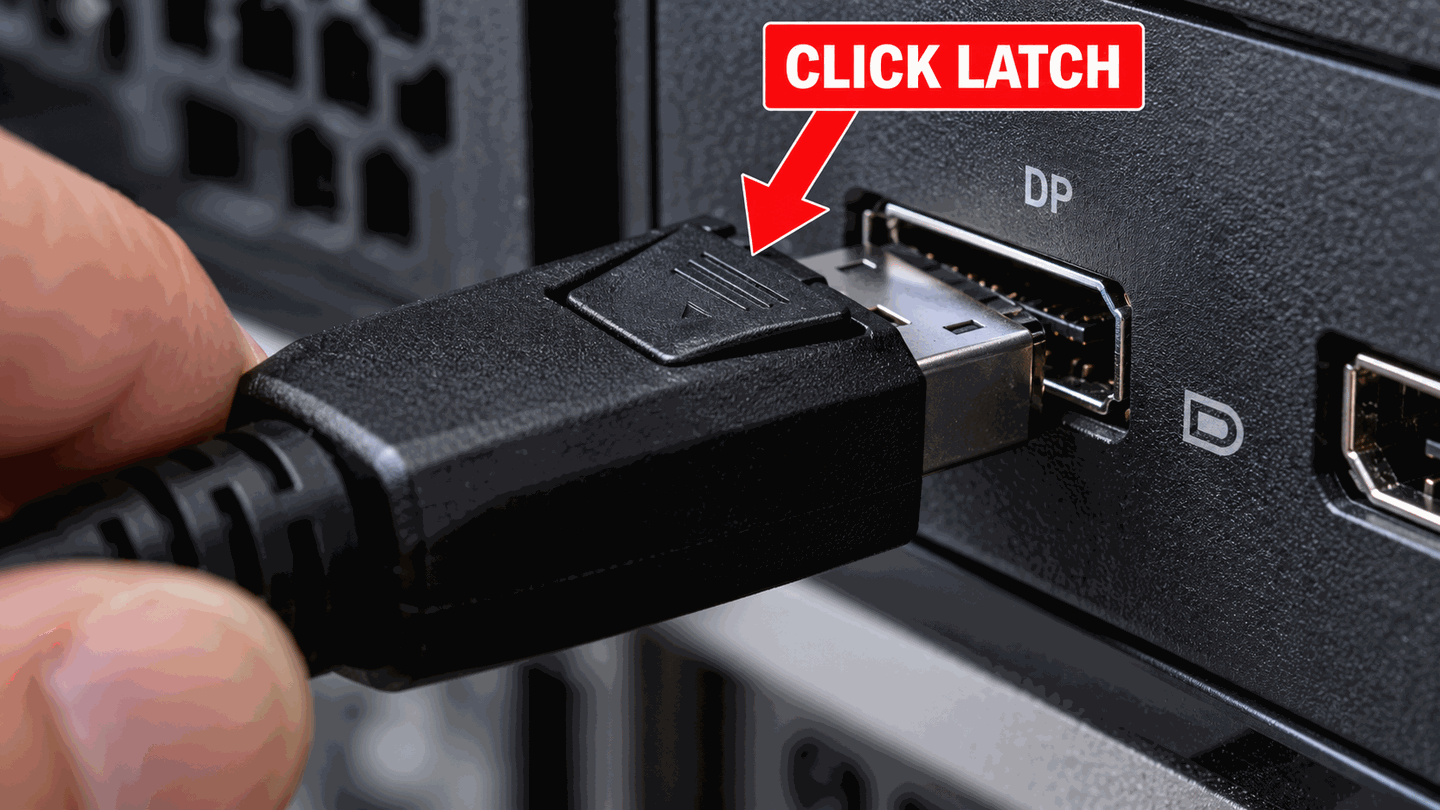
Seat DisplayPort until the latch engages. -
Compare with HDMI on the same GPU
If HDMI works, the GPU and OS path are partly proven — focus on DP cable, port, and monitor DP input.
-
Avoid problematic adapters during triage
Passive DP↔HDMI adapters are direction-sensitive. Prefer native cables. See adapter page.
-
Turn off MST and check the DP version setting
Connect one monitor directly to the GPU with daisy-chain / MST turned off. Add hubs back only after a direct link works.
Many monitors also have a DisplayPort version option in the on-screen menu, such as DP 1.4, DP 1.2 or DP 1.1. If the graphics card or cable only supports an older version, the monitor can stay on no signal. Select the lower version, then restart the PC. On many Dell models the option is hidden: open Input Source, highlight DP, and hold the select button for about 10 seconds until the DisplayPort prompt appears. Check your monitor’s manual for the exact steps.

What to do next
FAQ
What does “No DP signal from your device” mean?
It is how Dell monitors report DisplayPort no signal: the monitor is set to its DP input, but no picture is arriving. Wake the PC, make sure the cable is in the graphics card, then work through the steps above. If the monitor says “No DP Cable” instead, it does not detect a cable on that input at all. Reseat both ends, or switch the monitor to the input you are actually using.
Why does DP fail after the PC sleeps?
Handshake issues happen. Wake the monitor first, or unplug/replug DP once. Update GPU drivers via Windows Update/OEM.
Official sources
- Troubleshoot external monitor connections in Windows — try alternate ports including DisplayPort.
Independent DIY troubleshooting. Prefer Microsoft and OEM support articles for model-specific steps. We do not sell one-click fix tools or host driver packs.